
Guide
How to Use Arceus X Neo: Your First Session, Screen by Screen
From first launch to first executed script: the hub sliders, the menu sections and the order a new user should explore them in.
INDEX On this page
You have installed it, keyed it, and the floating button is sitting in your game. Now what? This walkthrough follows the order our reviewer uses when introducing the tool, the same session described on Arceus X Neo, so your first hour builds real understanding instead of random tapping.
Start on the hub
Open the menu and stay on the Arceus Hub home screen. The three sliders, gravity, jump power and walk speed, apply live. Move walk speed a little, run around, reset it. Push gravity down and feel a jump change character. The hub teaches cause and effect faster than any tutorial, and nothing here can break your game session.
Then the script hub
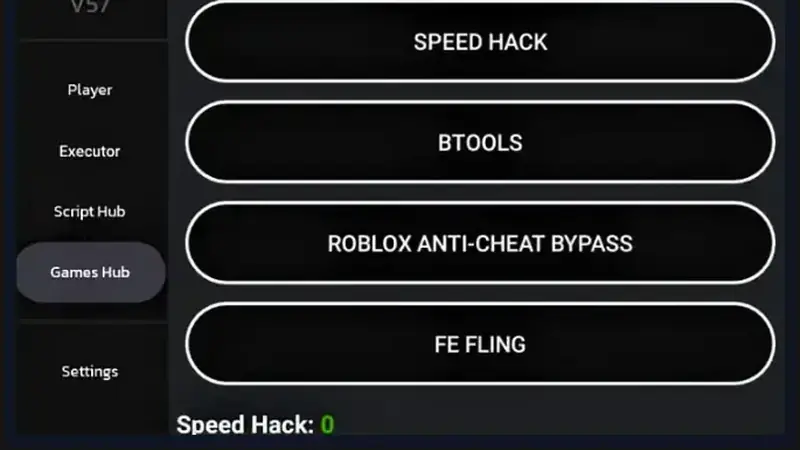
Run one ready-made script from the script hub in a quiet game. Watch what it adds: a button, a panel, an effect. Then find the same script's idea inside the games hub for the experience you play most, and notice how collections are organised by game.
Finish in the executor
Open the Executor, write or paste a tiny script, execute it, and read the console. That loop (edit, run, read) is the whole craft of scripting, and the menu's editor-plus-console layout makes it comfortable on a phone. From here, the Lua basics guide takes you further. One structured first session turns Arceus X Neo from a mystery into a tool you own.
Keep driving
Quick Answers
What should a beginner touch first?
The hub sliders. They respond instantly, teach the menu's logic, and reset in one tap.
Do I need to know Lua to use the tool?
No. The script hub and games hub work without any coding. Lua only matters when you want to write your own.
Where do I see script errors?
In the executor's console, printed in plain text under your code.