
Guide
The Games Hub in Arceus X Neo: Scripts Organised by the Game You Play
Per-game script collections explained: how the games hub is organised, why game-specific scripts beat general ones, and keeping current.
INDEX On this page
General scripts are a starting point; games are individuals. The games hub inside Arceus X Neo exists because the script that sings in one experience does nothing in another, and this guide explains how to use it well, following the layout documented on Arceus X Neo official site.
How it is organised
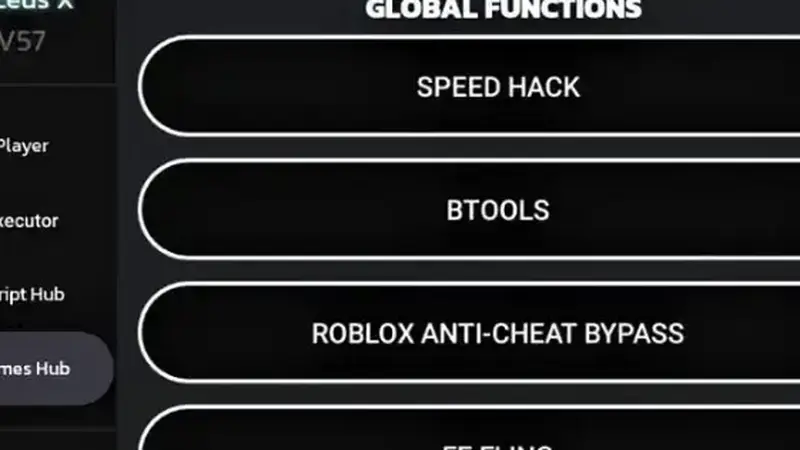
Collections are grouped by experience: open the hub, find your game, and the scripts its community actually maintains are listed together. Popular experiences carry the deepest shelves; smaller games may have a handful of entries or none yet, which is honest curation rather than fake abundance.
Why game-specific wins
A game-specific script knows the map, the currency, the enemies and the systems of the place you are standing in. General tools move your character; game tools play the game with you. When both exist for your purpose, choose the specific one and save the general shelf for travel between games.
Staying current
Games update constantly, and their scripts age with them. If a favourite entry stops working after its game patches, check for a refreshed build of the tool first: hub collections are maintained alongside the executor, and the update guide explains the rhythm. Check your game's shelf first and Arceus X Neo feels built for the way you play.
Keep driving
Quick Answers
Is every Roblox game in the games hub?
No. Popular experiences are covered deeply; smaller games may not have collections yet.
Games hub or script hub: which first?
Check your game's shelf first for specialised tools; use the general script hub for everything else.
A games hub script broke after the game updated. Why?
The game changed underneath it. A refreshed tool build usually restores the collection.